Get Daydream for your DAW
Pick the plugin that fits your workflow and grab the build for your platform.
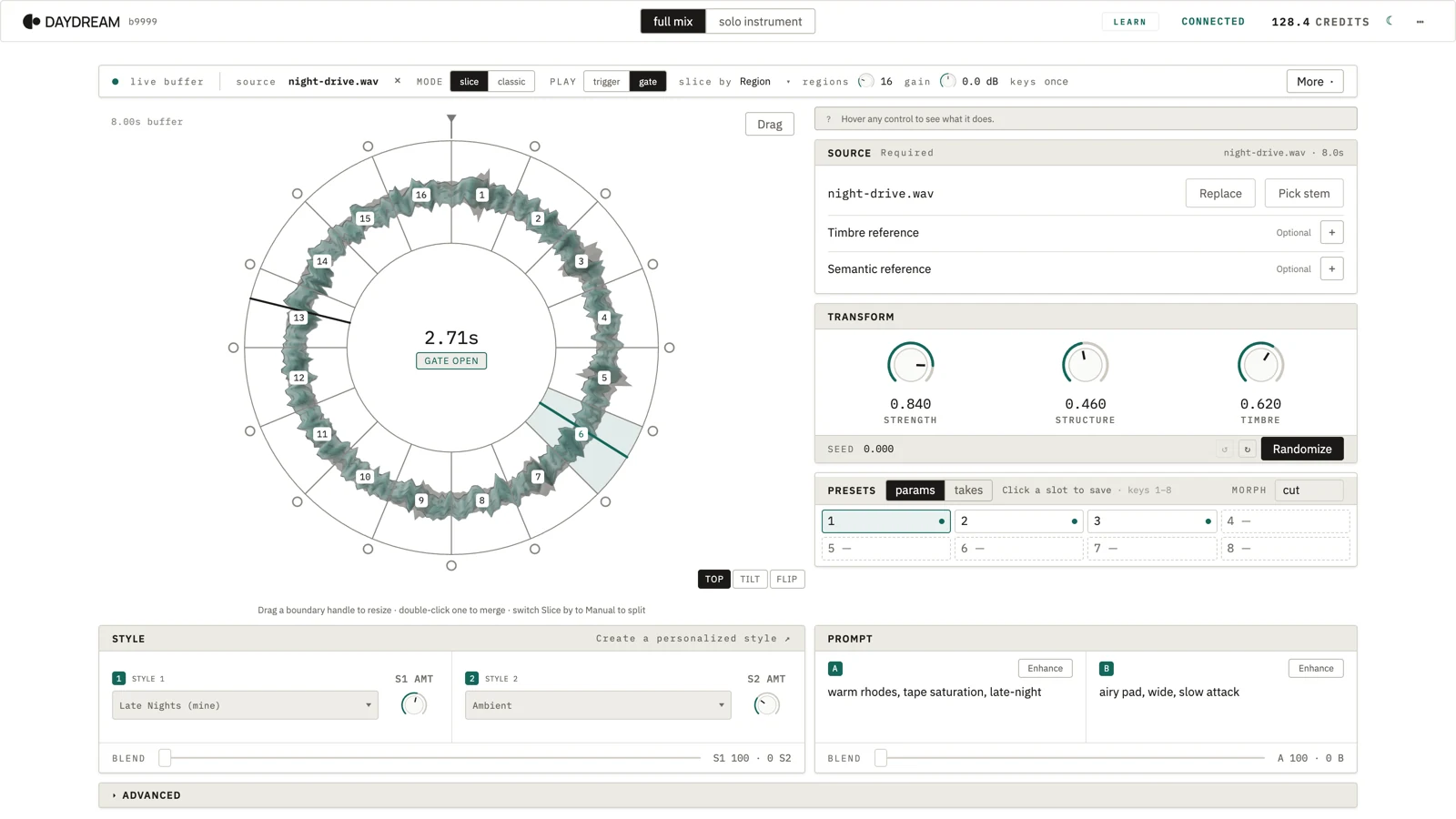
DreamSampler
InstrumentSlice, trigger, and live-remix audio with our sampler.
- Format
- VST3 · AU · AAX
- Platforms
- macOS · Windows
- Build
- b760
- Best for
- Sample and loop creation, sound design, performance
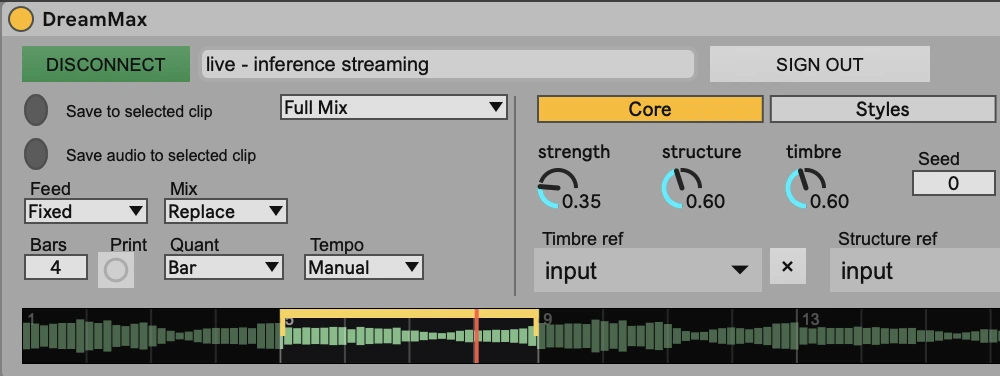
DreamMAX
Max for LiveEnjoy a native Ableton experience that syncs to your transport.
- Format
- .amxd
- Platforms
- Ableton Live
- Build
- b546
- Best for
- Ableton users, DJing, Performance
Looking for DreamMachine? Older builds can be found here.
Up and running in a couple of minutes.
Install the plugin
Open the downloaded
.pkgand follow the installer.Pick which formats to install (all pre-selected): the VST3 lands in
/Library/Audio/Plug-Ins/VST3/, the Audio Unit (AU) in/Library/Audio/Plug-Ins/Components/, the AAX (Pro Tools) plug-in in/Library/Application Support/Avid/Audio/Plug-Ins/, and the standalone app in/Applications.Open your DAW, rescan plugins, and add
DreamSampler(by Daydream) to an instrument track.Click
SIGN IN(free — opens your browser), then hitCONNECTand play notes — the engine plays new audio back, live, under your fingers.
Connect to Daydream
Add the plugin to a track in your DAW and click Connect to Daydream.
Your browser opens
app.daydream.live— sign in if you're not already.The browser hands your account back to the plugin automatically — no copy-paste.
The plugin shows your account name and you're live.
Same first-run flow for both DreamSampler and DreamMAX. The plugin remembers your account across DAW sessions.
Want to run it on your own GPU? Point the plugin at a local open-source engine instead of the cloud.
Learn together
You're exploring an alpha version of Daydream. Join Discord to share what you've learned, what's broken, and how to master it.